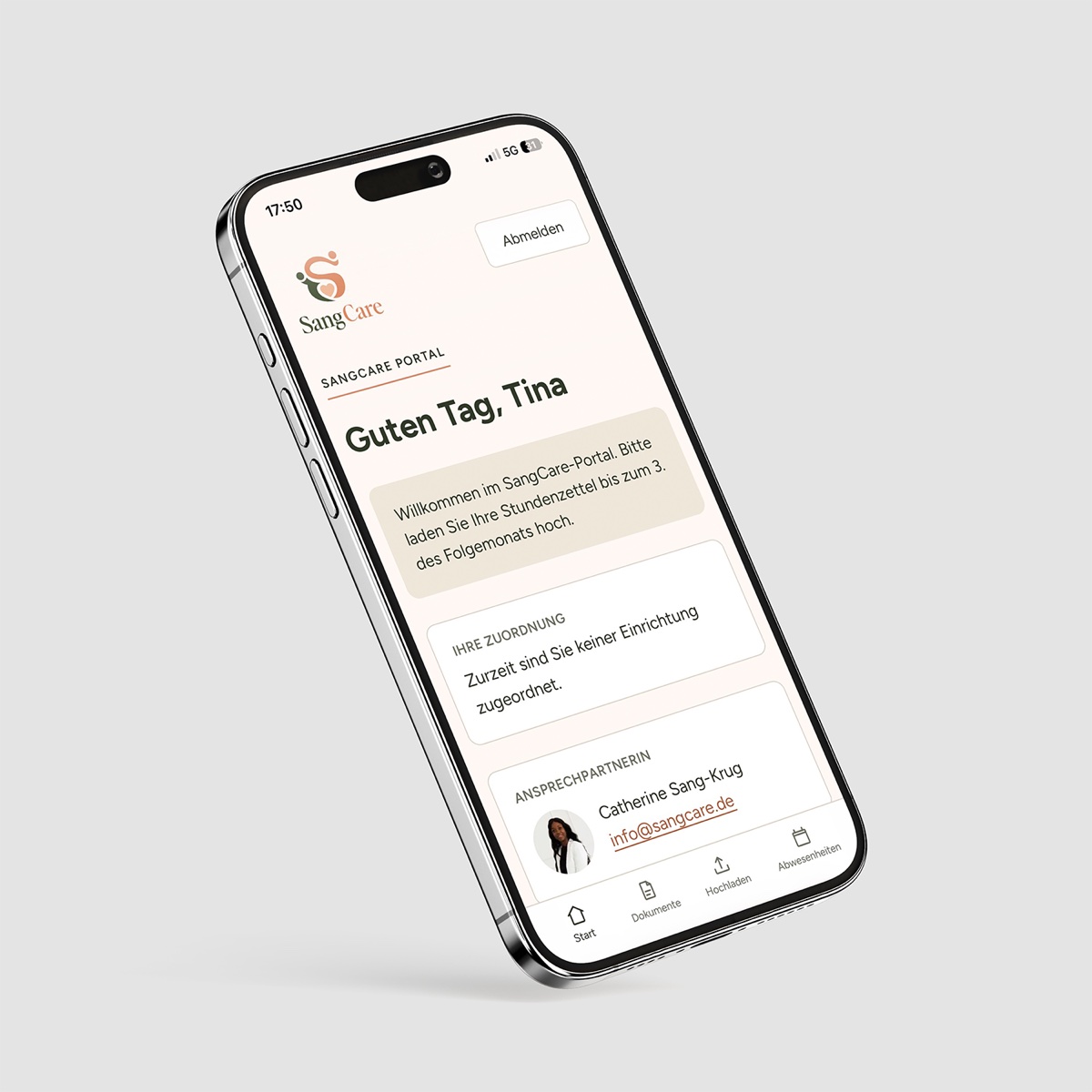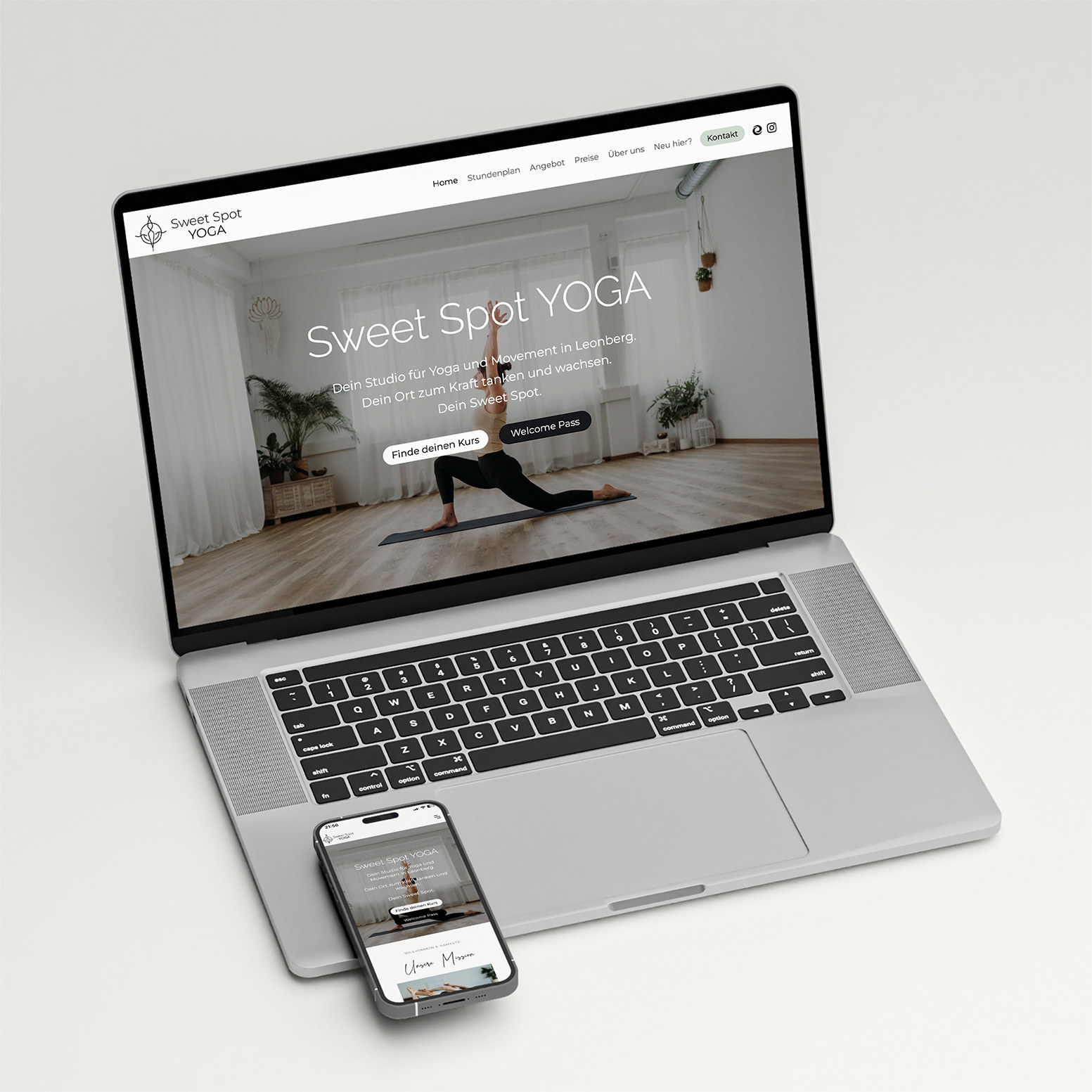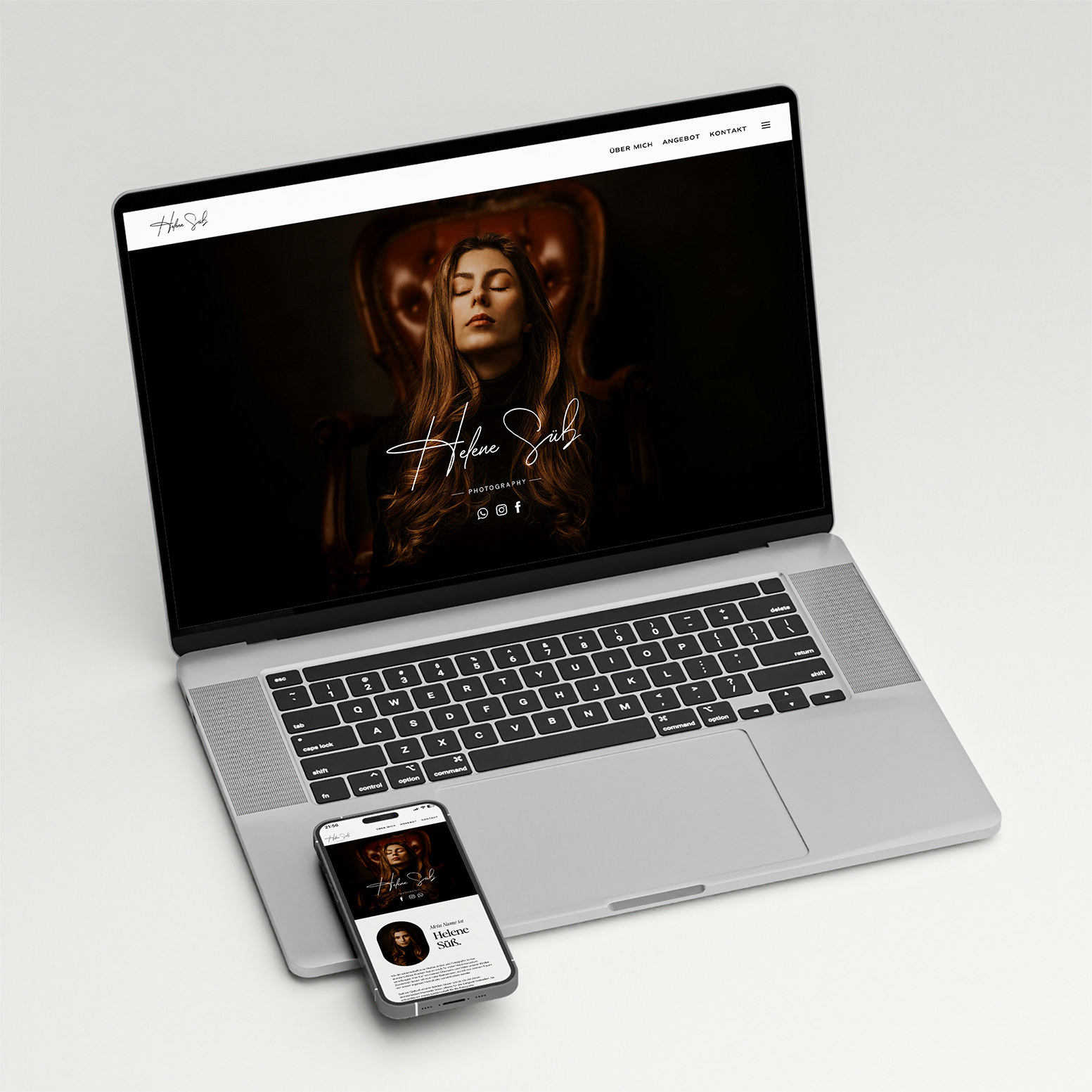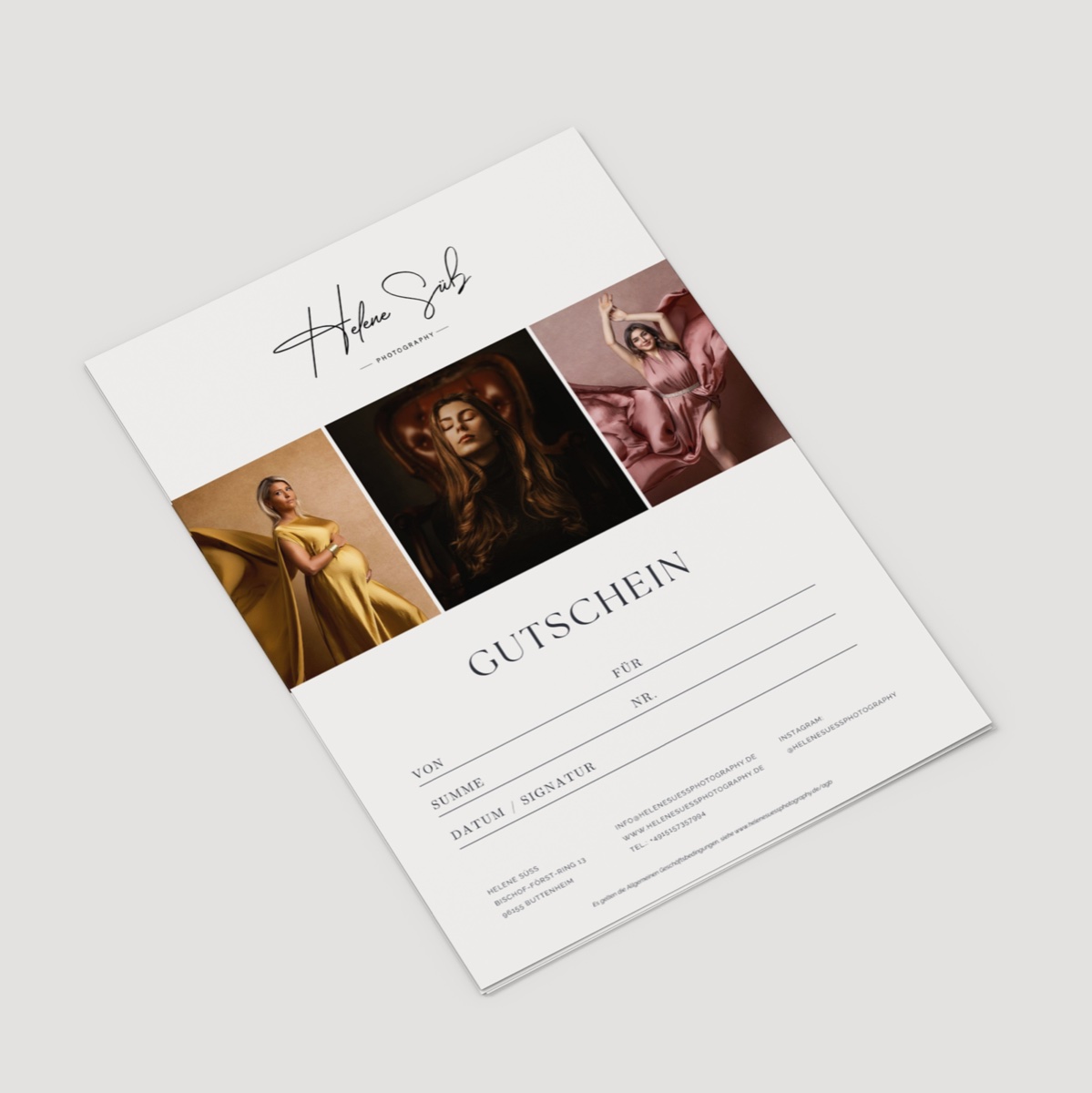
Brand, website and the software behind it – designed and built by the same person.
Industries where I know what matters.
See all industries →People and health
Health practicesPsychotherapy practicesHome care servicesYoga studiosPhotographersArtistsTech · Webflow
You want a Webflow website your team can actually maintain afterwards? Then it’s not the layout that decides, but the class structure underneath.
Why it’s different
From the outside Webflow looks simple, and that’s exactly the trap. Plenty of people know a bit of Webflow – the difference lies in what you can’t see on the front end, and it shows the moment someone else has to change a small detail.
Then you find forty classes with names like “Div Block 7”, spacing set on three levels at once, and a breakpoint nobody dares to touch any more.
That’s why I build with a fixed naming convention and keep custom code to what Webflow genuinely can’t do. For me, that also includes SEO structure, loading speed and behaviour that’s right on every device.

What’s included
Images at the right size, few scripts, short paths – so the site is fast on the go too.
Projects, jobs, courses, locations. Anything that changes belongs in fields, not in pages.
Named by a convention, so even a developer new to the project finds their way around within an hour.
Tested on real devices, not just in preview mode. Mobile is the norm, not the exception.
Motion where it explains something. And with respect for the “reduce motion” setting.
Heading hierarchy, metadata, schema markup, sitemap – not as an afterthought, but while building.
You get access, documentation and an hour in which I show you how to maintain the site.
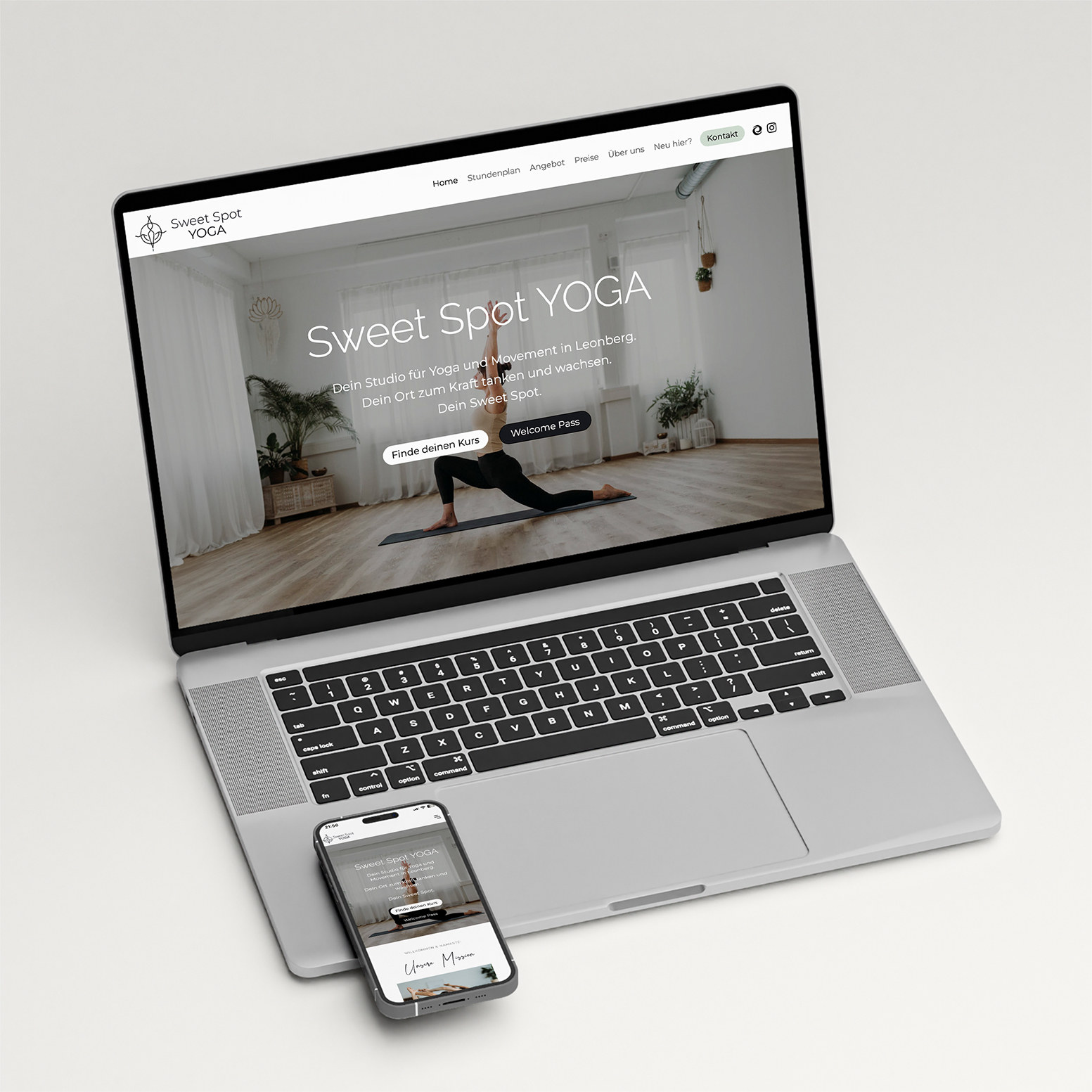
Four projects in Webflow
How it works
01
It doesn’t always. With very large data sets or complex logic, I’ll tell you before we start.
02
Collections, fields, class names and breakpoints. The invisible part that decides how easy the site is to maintain.
03
Built for every screen size, from widescreen to phone.
04
Access, documentation, training. After that you only need me if you want to.
Before you get in touch
The questions that come sooner or later
You do. Domain, access and content run on your own accounts, and I build the site so someone else could take it over without untangling it first. That keeps you independent of me.
You get all access details, the files and documentation someone else can read. Classes and structure are named so other developers can find their way around.
That depends a lot on the scope – a website is on a different scale from a portal or an ongoing collaboration. You’ll get a reliable timeframe after our first conversation.
I’ll give you the exact scope after our first conversation.
Webflow
Reply within two working days